Well, hello there, users! I admit, I have been lacking on the newsposts and some project updates, but changes are coming your way in the near future. Today's focus was improving the KindBot general features, adding some new ones, and releasing a new dashboard to make customizations that much easier.
What updates are in KindBot?
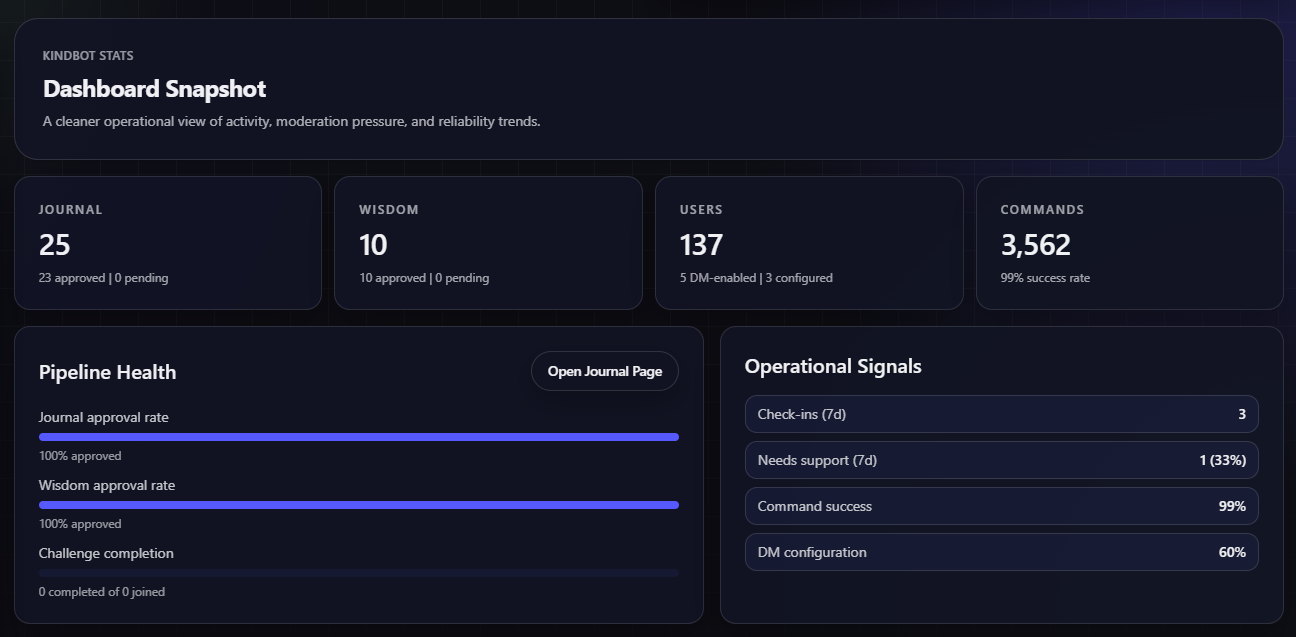
With this new KindBot update, we made response times faster with the commands and our API itself. Speaking about the API, we added some new responses to limit the number of times you get a duplicate response when using the bot.
The challenge commands have been a bit buggy since the beginning; they still need some fine-tuning, but they should be functional now, and you're able to complete kindness challenges once again.
The dashboard and respected team commands have been added to the bot; everything should be controllable from either the bot or the dashboard. The only thing you should not be able to do is post submissions.
What is the Dashboard?
The dashboard is a new website for Conscherry projects. KindBot and Moneta, as of this post, are able to be configured through the dashboard, but support for upcoming projects will be added in the future.
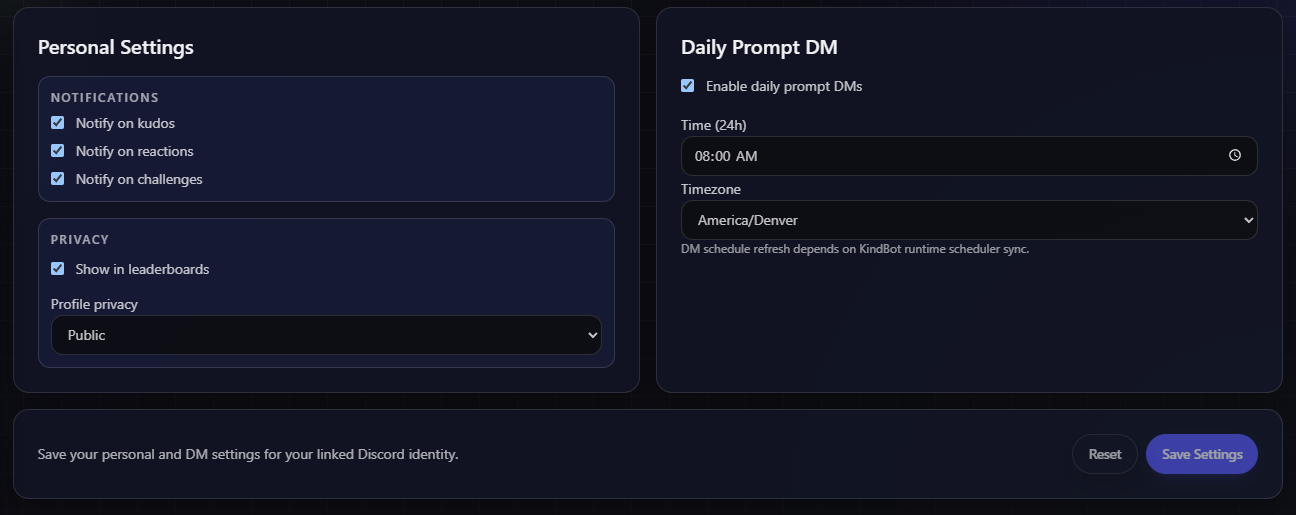
The KindBot section of the dashboard lets you view all Journal and Wisdom entries from the bot. You are also able to set up the settings for your personal account or any server that has KindBot invited to it.
With the addition of the dashboard, we also created teams for KindBot, which allow any user you allow to modify the settings for KindBot for your specific server. That is a lot of power to trust them with.
How can you access the Dashboard?
The easiest way to visit the dashboard is to visit the URL directly:
Or, in the navigation bar when logged in, you can hover over your account dropdown and click on "Visit Dashboard". If you are not logged in, another way to visit this page is by clicking the Resources page, which will give you all links for Conscherry, including the dashboard links.
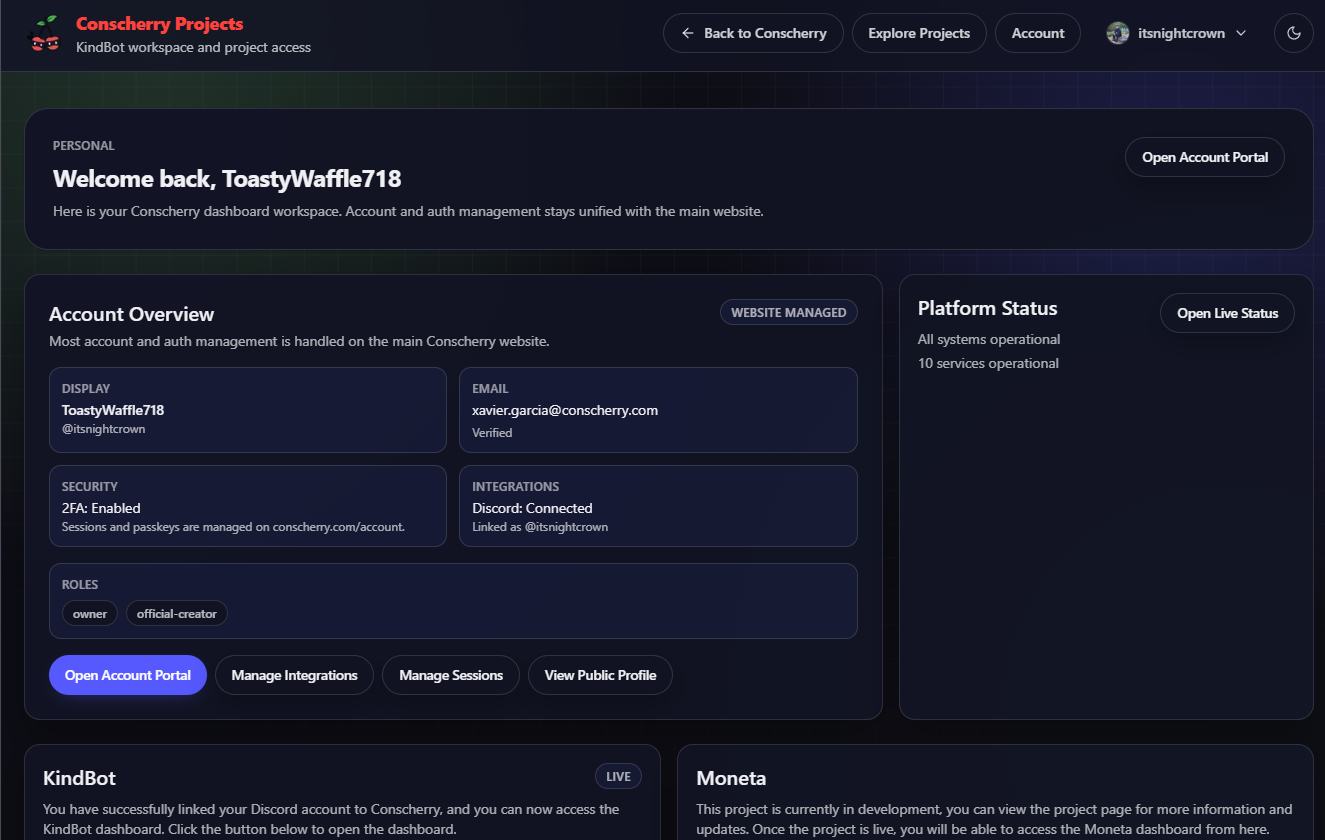
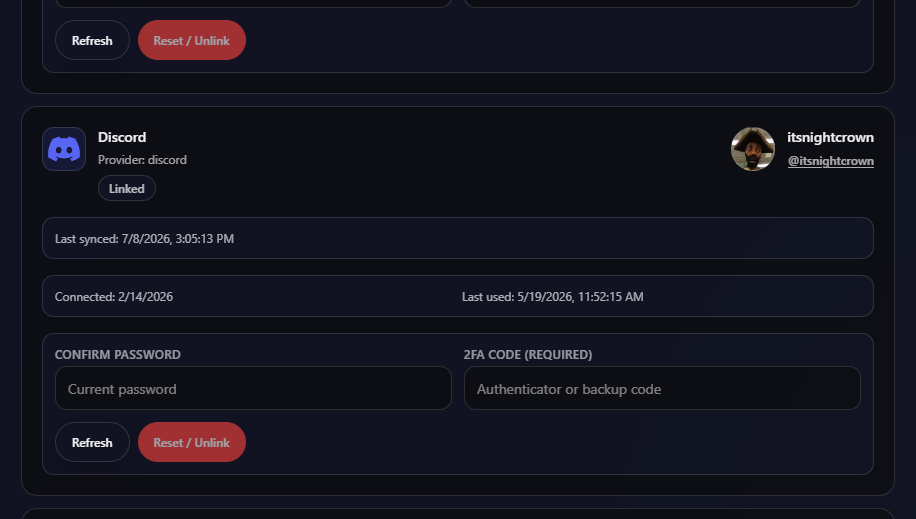
To gain access to the KindBot section of the dashboard, you need to have your Discord linked to your account. This can be done on the Account Integrations page. Once your Conscherry account is linked to your Discord account, you unlock access to the KindBot section.
Need some help?
Conscherry is always here to help. There are so many different ways to get in contact with our team. For this project, it would be best to use one of the provided methods below.
The community is always there to help, too! Join our Discord server and ask a question in one of the respected channels; a community member may have the answer you need.
Closure
More project changes are coming in the near future, as I mentioned earlier. Thank you for your patience and support throughout everything. I will update the community soon about the next changes. Dr. Seuss has been a popular topic recently, so here's a friendly quote.
“You’ll miss the best things if you keep your eyes shut.” - Dr. Seuss
